Livewall
Tonight's photos, straight on the big screen
Guests scan the QR code and send a photo or message from their phone. The whole room sees it on the TV or projector, next to the snapshots from back then.
Look first? See an example reunion


How the whole room joins in
From the first selfie to the last dance.
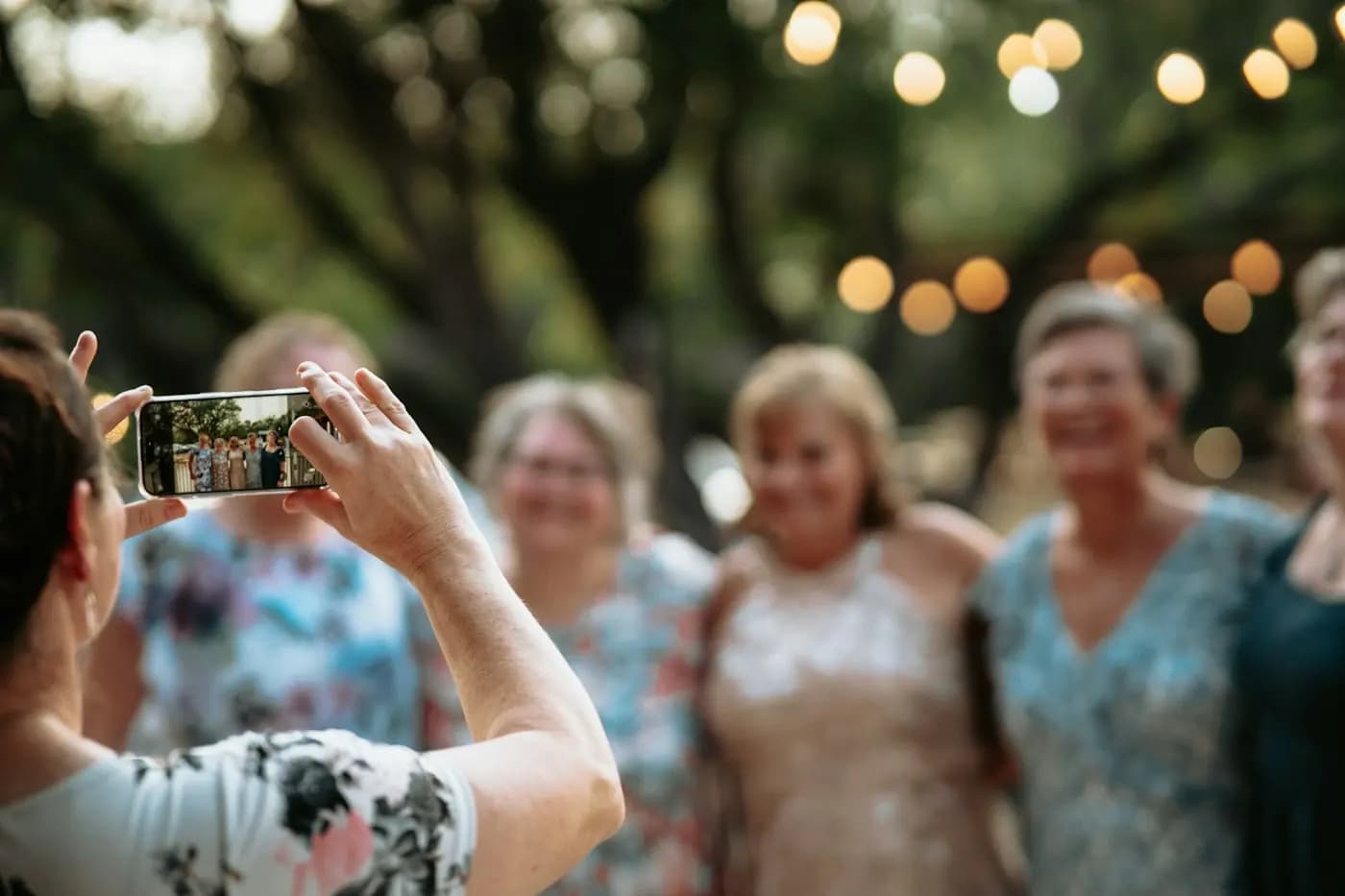
Joining in
One scan and you're in
No app and no account. Guests scan the code on screen, pick a photo and add a line. Even the uncle who never uses apps.
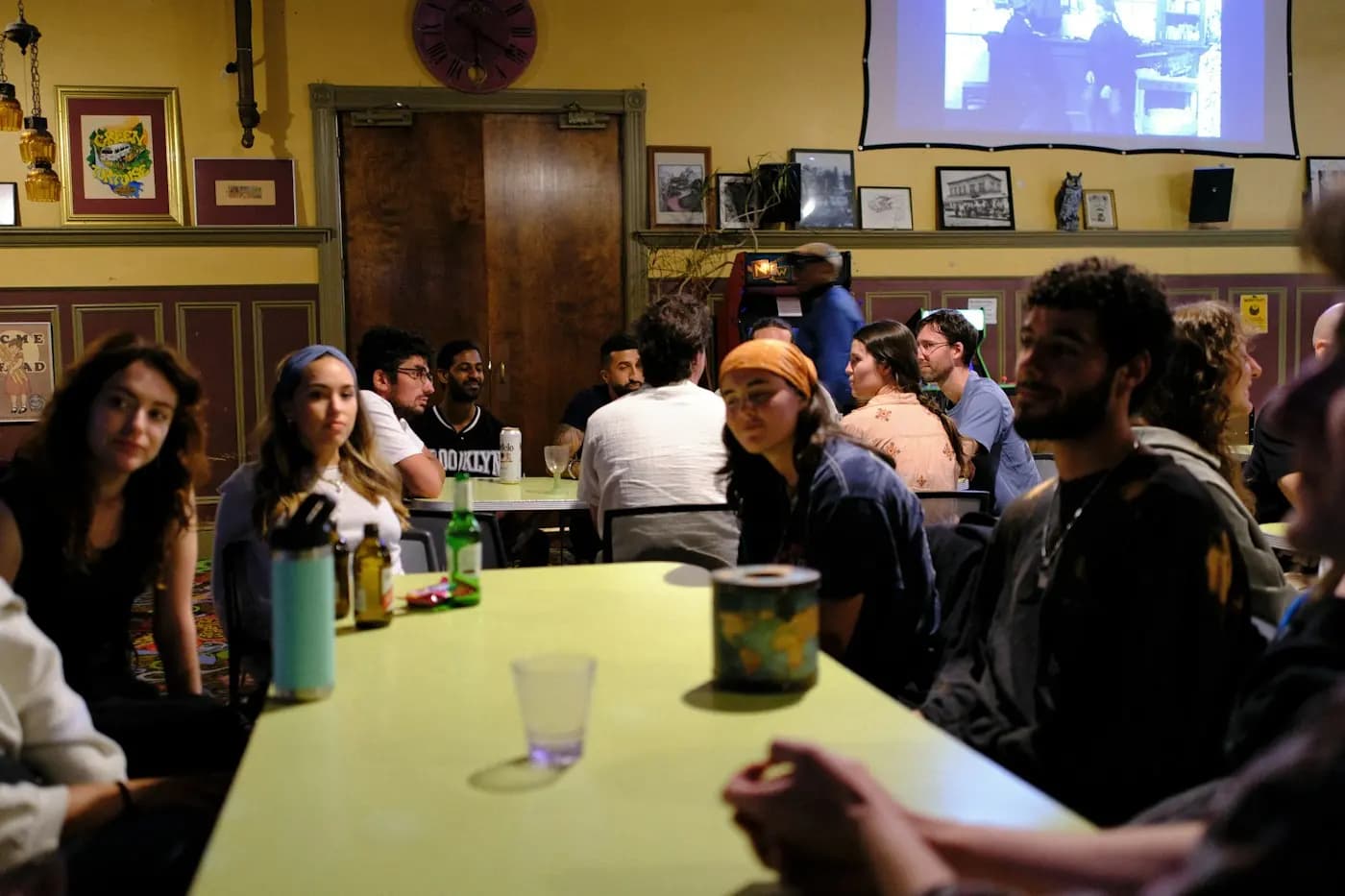
On screen
Everyone looks at the same thing
Tonight's photos appear on the TV or projector next to the old snapshots. People point, laugh and work out who was standing next to whom.
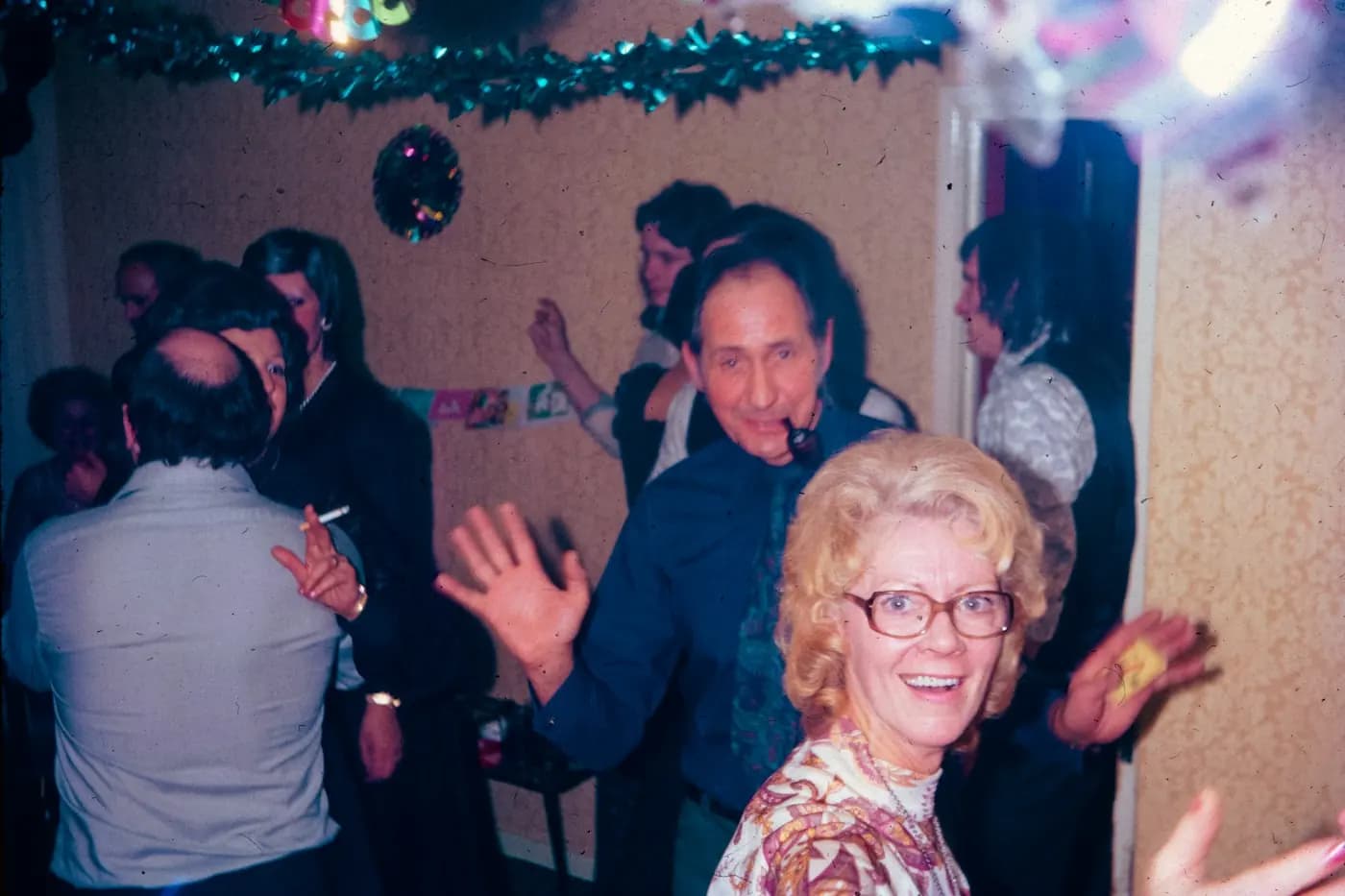
You stay in control
Only what you approve
Approve every photo from your phone, or let AI moderation hold back anything inappropriate. So everyone can keep watching with peace of mind.
How the Livewall works
A laptop, a cable to the TV or projector and you're set.
- No app neededGuests scan the QR code and send photos from their browser.
- Moderation your wayApprove yourself, automatically with AI, or both.
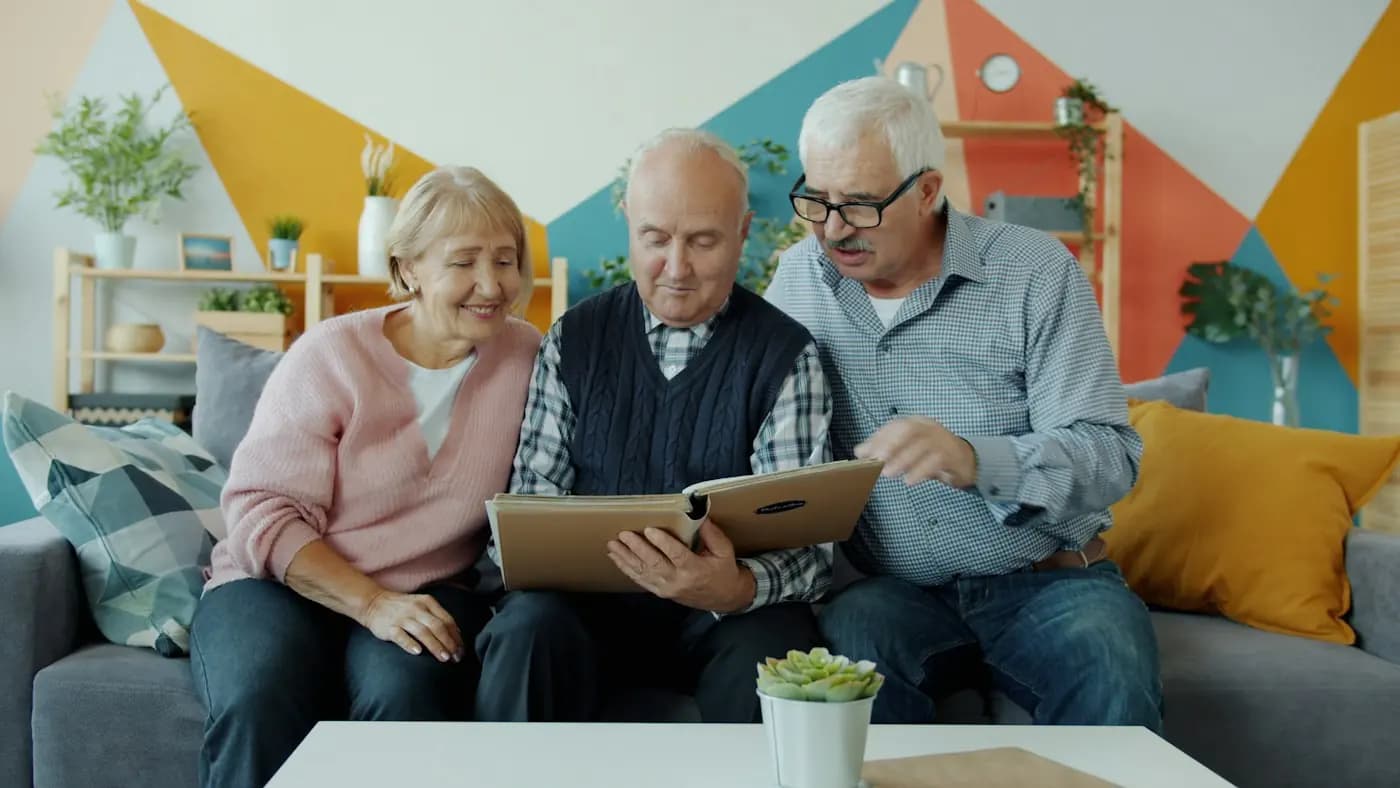
- Old photos in the mixAdd snapshots from back then; they appear between the new ones.
- In your styleThe screen takes on the colours and theme of your page.
Free. No small print.
No subscription, no member limit and no trial period. Organising your whole reunion costs you nothing.
€0for the whole platform
Selling tickets? Then there's a €1.50 service fee per ticket sold. Free sign-ups always stay free.
See pricingHow to set up the Livewall
- 1
Create your page
The Livewall comes with it for free.
- 2
Add old photos
Upload a few snapshots from back then in advance.
- 3
Open it on the night
Laptop to the TV or projector and the QR code is on screen.
Frequently asked questions about the Livewall
Do guests need to download an app?
What do I need at the venue?
How do I prevent inappropriate photos?
What does the Livewall cost?


Which photo will appear first?
Create your page today; the Livewall will be ready for the night itself.